
If you’ve tried to ship a product, redesign a website, or even build a simple internal tool this year, you’ve probably noticed something: the work feels different. The tools we use to write code and design interfaces have quietly crossed a threshold. They no longer just autocomplete a line or suggest a color – they reason across entire codebases, generate working prototypes from a sentence, and hand off polished assets ready for production.
We’ve spent considerable time testing these platforms across real client projects, and the picture is clear. The conversation has shifted from “which AI tool is best” to “which combination of tools fits how my team actually works.” There is no single model in 2026 that dominates coding end to end, and treating the landscape that way is exactly what leads to poor decisions.
In this guide, we’ll walk through the top AI coding and design tools in 2026, what each one does well, what it costs, and who it’s actually for. Whether you’re a non-technical founder, a solo developer, or part of a product team, you’ll leave knowing exactly where to start.
What Are AI Coding & Design Tools?
At their simplest, these are applications that use generative AI to help you create – either software or visual work – from natural-language instructions. AI coding tools let you turn natural language prompts into working apps and workflows. AI design tools do the same for visuals: you provide a prompt, an image, or a few parameters, and the system generates layouts, graphics, or full interfaces you can refine.
What makes the current generation genuinely useful is context awareness. What makes 2026 different from previous years is the shift from code completion to code creation – the best tools no longer just suggest the next line, they generate entire functions, classes, test suites, and even application scaffolds from natural language descriptions. The same leap has happened in design, where tools now respect your existing brand kit, component library, and design tokens instead of producing generic one-offs.
The Best AI Coding Tools in 2026
The coding landscape has split into a few clear categories: terminal-based agents, AI-native editors, and accessible builders for non-developers. Most serious teams now run a combination. Most professional developers use two to three tools – terminal agents for complex tasks, IDE extensions for daily editing, and cloud agents for autonomous background work.
Claude Code – Best for Complex, Large–Scale Work
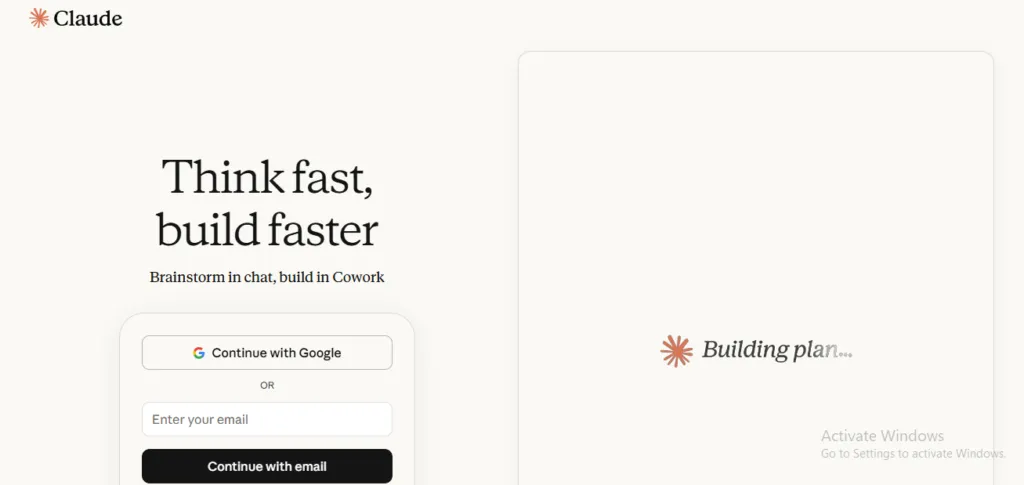
Claude Code runs in your terminal, reads your repository, and writes, refactors, and executes changes autonomously. It has emerged as the top-ranked option for demanding work. Powered by Opus 4.6, it scores 80.8% on SWE-bench Verified – the gold standard for real-world coding benchmarks – with strong multi-file reasoning and a 1M token context window. If you’re one of those living in tmux or zellij with Neovim, Claude Code is your natural ally; its ability to process complete repositories, execute commands, and apply changes autonomously makes it ideal for large-scale refactorings, migrations, and architecture tasks.
Best for: senior developers and teams handling migrations, refactors, and architecture-heavy projects.
Cursor – Best Overall Developer Experience
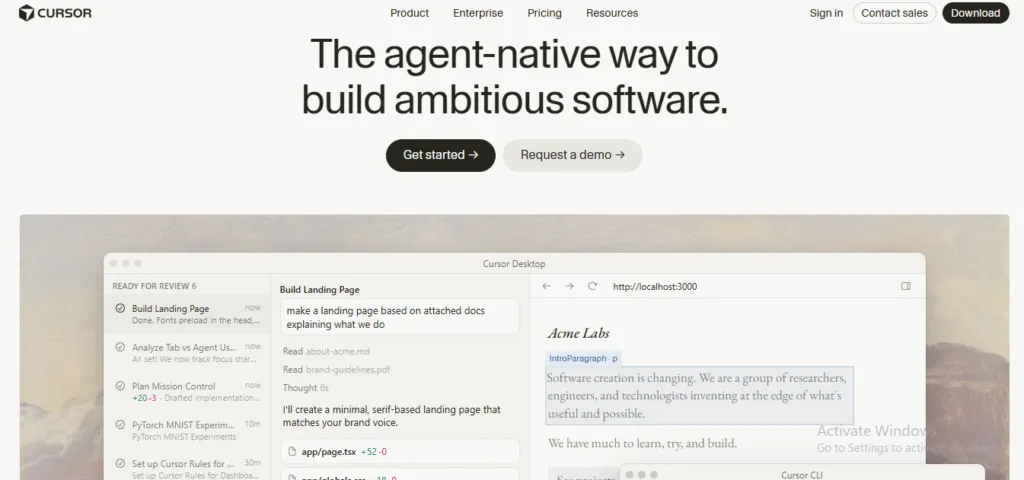
Cursor is an AI-native code editor that has become the default environment for many teams. Its agent mode lets you describe complex changes in natural language and execute them across multiple files, and integration with Anthropic and OpenAI models gives you flexibility to alternate depending on task. With over 1M users, Supermaven-powered autocomplete, and Composer mode for multi-file visual editing, Cursor is the top choice for developers who prefer a GUI. At around $20/month, the value is hard to beat. If you’re weighing this against alternatives, our Copilot vs. Cursor vs. Claude Code comparison breaks down the trade-offs in detail, and we’ve also covered the Cursor canvas feature for visual multi-file editing.
Best for: full-time developers who want power and flow in a familiar editor.
GitHub Copilot – Best for Everyday Speed and Broad Support
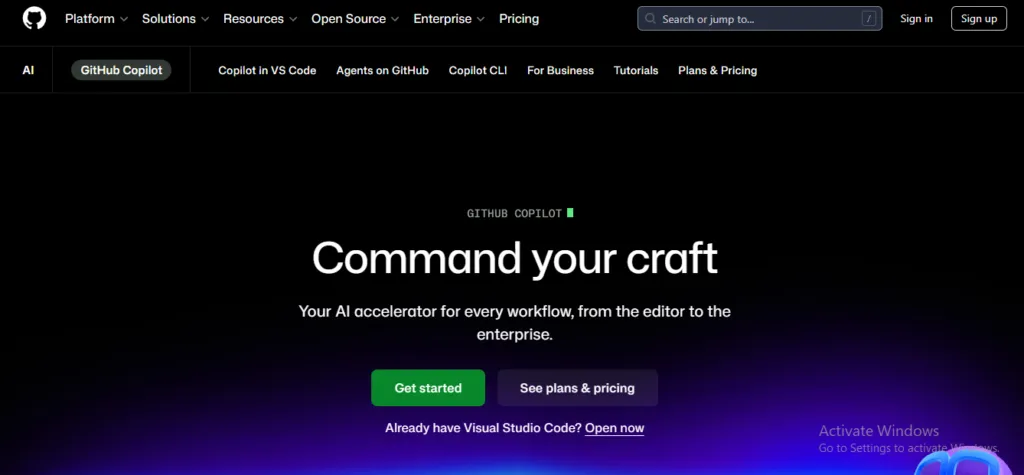
Copilot remains the most widely adopted assistant and the easiest on-ramp for most teams. GitHub Copilot remains the market leader with approximately 37 percent market share. It benefits from broad adoption and ecosystem support, making it a strong fit for teams managing routine development tasks. Pricing is approachable – Individual at $10/month, Business at $19/month per user, and Enterprise at $39/month per user.
Best for: individual developers and teams who want reliable pair-programming inside their existing IDE.
Replit – Best for Non–Technical Founders
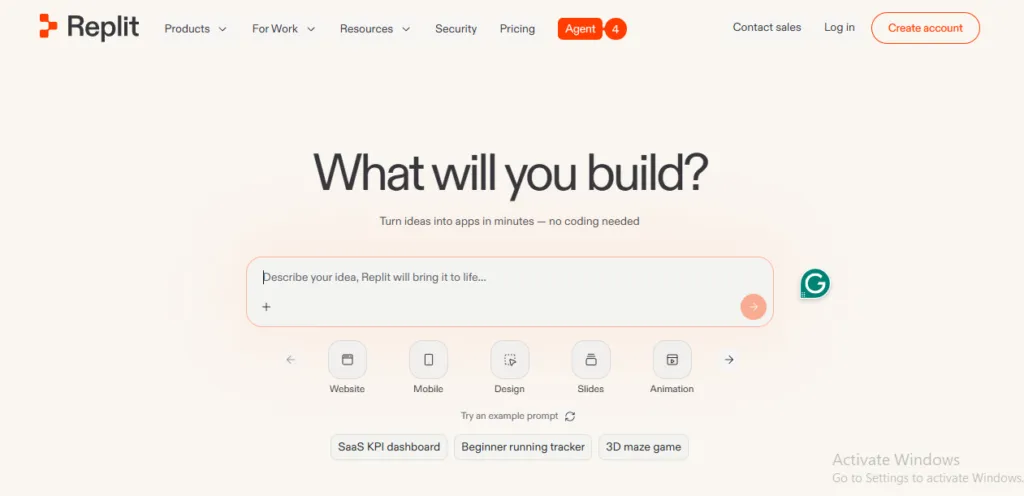
If you don’t write code for a living, Replit lowers the barrier dramatically. A non-technical founder might use Replit to build a simple client intake form that logs submissions to a spreadsheet – the kind of low-friction start that turns an idea into a working tool in an afternoon. If you’re a non-technical founder exploring AI more broadly, our Perplexity guide for non-technical founders is a useful companion read.
Best for: founders, marketers, and beginners shipping their first apps.
A quick word on quality: as AI writes more of your codebase, reviewing it matters more, not less. A 2025 Qodo report found that 65% of developers report that AI assistants specifically “miss relevant context” when performing refactoring. Tools that catch issues before they ship become essential – our CodeRabbit guide to maintaining code quality covers how automated review fits into an AI-heavy workflow.
The Best AI Design Tools in 2026
On the design side, the split is between professional product-design platforms and accessible marketing-focused generators. The adoption numbers tell the story: by early 2026, 86% of creative professionals reported incorporating AI into their daily design work.
Figma – Best for UI/UX and Product Teams
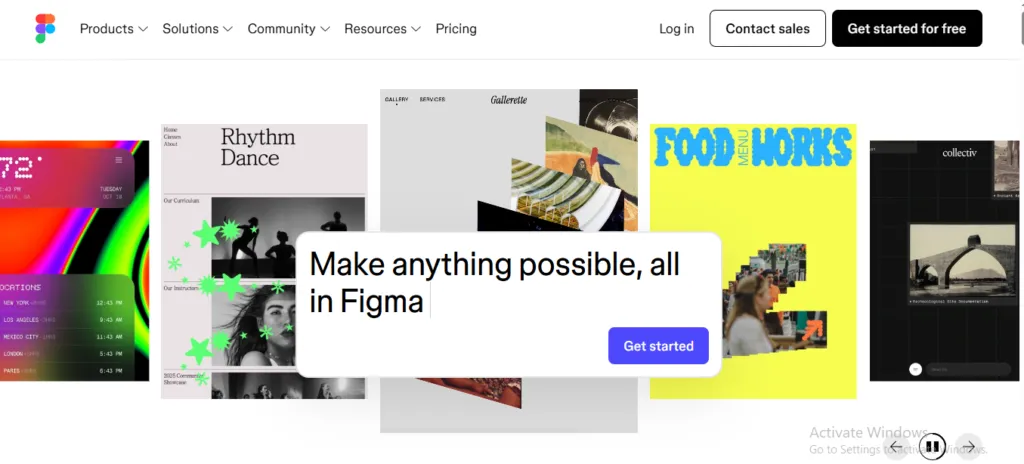
Figma remains the professional standard. Its AI features – Figma AI for intelligent suggestions and Figma Make for text-to-design generation – are adding real speed to product design workflows, and the core strength is the full pipeline: design, prototype, test, and hand off to developers, all in one tool. Its “Check Designs” feature acts as an AI linter – it scans your design system, finds components that don’t match the defined style, and fixes them automatically. Pricing starts around $15/month per editor.
Best for: UI/UX designers and product teams working in a design-to-development pipeline.
Canva Magic Studio – Best for Marketing and Non-Designers
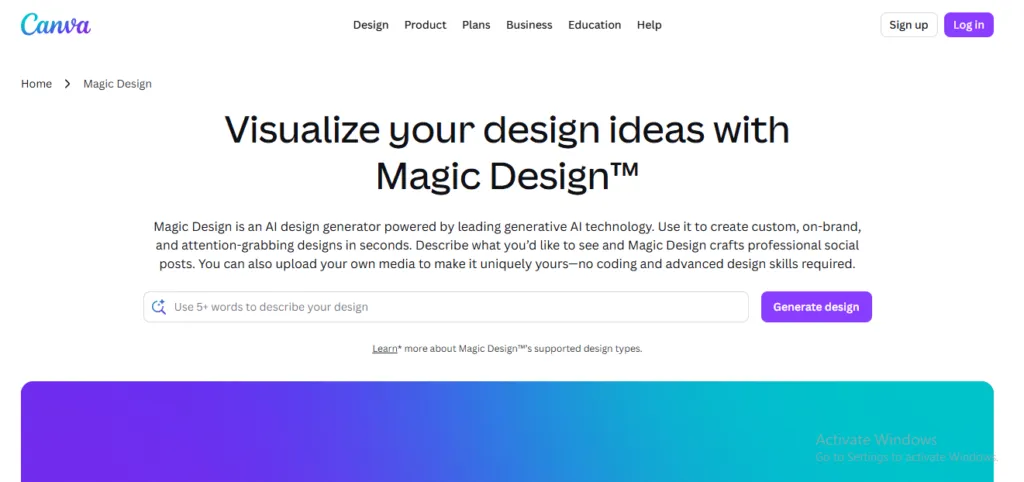
Canva is the tool most non-designers actually reach for. Canva Magic Studio is a text-prompt-based AI design generator ideal for brand visuals, social ads, and videos, and the ability to preview instant design variations gives non-designers autonomy while still delivering professional-looking results. It combines a large suite of AI features and runs entirely in the cloud, with plans ranging from free to about $15/month. The honest limitation: Canva lacks the pen tools, layer masks, and CMYK print controls required for high-end professional design – it is a marketing production tool, not a professional design studio.
Best for: marketers, small-business owners, and founders who need polished content fast.
Adobe Firefly – Best for Legally Safe Generation
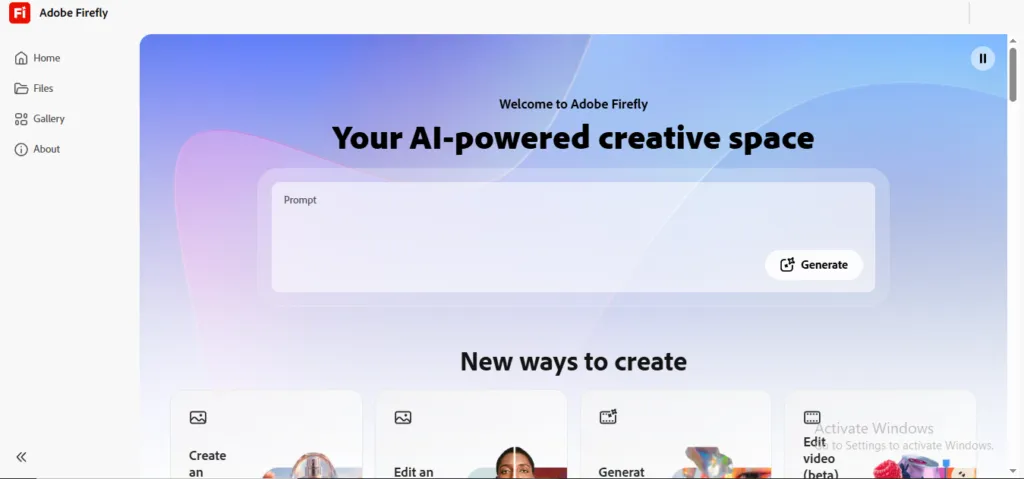
For teams worried about commercial rights, Firefly is the safe pick. Adobe Firefly offers legally safe, AI-powered editing tools integrated with Photoshop and Illustrator, with pricing starting at $9.99/month.
Best for: agencies and brands that need commercially safe assets inside the Adobe ecosystem.
The short way to think about the two leaders: Figma is a design tool with AI; Canva is an AI tool for design. If you want a deeper breakdown, we compare the options in our Claude, Figma, and Canva design tool comparison.
How to Choose the Right Tools for Your Team
Don’t start with the tool – start with the job. Match the choice to your stack and your people:
- You ship production software daily:pair an AI editor (Cursor) for active work with a terminal agent (Claude Code) for heavy lifting, and add automated review.
- You’re a non-technical founder:start with Replit for building and Canva for visuals; you can graduate to more powerful tools later.
- You run a product team:Figma is your design home base; layer in Copilot or Cursor for the engineering side.
- Budget is tight:most design tools offer genuinely usable free tiers, and entry-level coding plans start around $10/month.
The teams getting the most value aren’t the ones chasing a single “best” tool. They’re the ones who’ve mapped each tool to the layer of work it handles best.
Frequently Asked Questions
What is the best AI coding tool in 2026? There’s no universal winner, but Claude Code currently leads on benchmark performance for complex, repository-scale work, while Cursor offers the best all-around editor experience and GitHub Copilot remains the most popular and accessible. The right choice depends on your stack, workflow, and budget.
What is the best AI design tool in 2026? Figma is the standard for professional UI/UX and product teams, while Canva Magic Studio is the favorite for marketing, social, and non-designers. Adobe Firefly is the strongest pick when you need commercially safe, integrated generation.
Are AI coding and design tools worth the cost? For most teams, yes. Entry-level coding plans start around $10/month and many design tools have free tiers, so the barrier to trying them is low. The productivity gains on routine tasks typically pay for the subscription quickly — just budget time for reviewing AI output.
Can non-technical people use these tools? Absolutely. Replit and Canva are specifically built so people without coding or design backgrounds can produce working apps and professional visuals from plain-language prompts.
Do I need more than one tool? Most professional teams use two to three. A common setup pairs an everyday editor, a terminal agent for complex tasks, and a design platform – each handling the work it does best.
Conclusion: Start Small, Then Build Your Stack
The top AI coding and design tools in 2026 have made it genuinely possible to build faster, cleaner, and smarter – whether you’re writing production software or designing your first landing page. The best move isn’t to adopt everything at once. Pick one coding tool and one design tool that match your immediate need, run a real project through them, and expand from there.
If you’d rather have experts help you choose and implement the right stack for your specific goals, talk to our team about finding the right AI development partner. We’ll help you turn these tools into shipped results.
