
Today we’re exploring something that genuinely changes the game for non-technical founders navigating one of their most stressful challenges: understanding what software actually costs, and why.
Yes, we’re talking about Perplexity, the AI-powered answer engine that goes beyond basic chatbot responses to deliver cited, research-backed answers in plain English. And while we could discuss dozens of AI tools for business research, we have something more specific to share today: a practical, repeatable way to use Perplexity for non-technical founders who need to evaluate development proposals, compare vendors, and stop feeling lost in conversations with engineers.
By the end of this guide, you’ll know exactly how to frame your questions, what to look for in the answers, and how to walk into your next developer meeting with genuine confidence.
Why Non-Technical Founders Struggle With Development Cost Estimates

Software development pricing is notoriously opaque. Ask three agencies for a quote on the same app idea, and you’ll receive three wildly different numbers, each justified with jargon you’ve never heard before.
This isn’t always bad faith. Development costs genuinely vary based on technology stack, team location, project scope, and dozens of micro-decisions made before a single line of code is written. But when you don’t have a technical background, you have no reliable way to evaluate whether a $30,000 quote and a $150,000 quote are both reasonable, or whether one of them is completely off the mark.
The knowledge gap is the real problem. And Perplexity is one of the most effective tools available right now for closing it quickly.
Unlike a standard search engine, Perplexity synthesizes information from multiple sources and presents direct answers with citations. You’re not wading through ten blog posts to find one useful paragraph. You ask a specific question and get a structured, sourced response, much like consulting a knowledgeable colleague who’s already done the reading.
What Perplexity Actually Does (And Why It’s Built for This Use Case)

Before we get into the specific prompting strategies, it helps to understand what makes Perplexity particularly effective for researching software development costs, compared to tools like ChatGPT or Google.
Perplexity performs real-time web searches and cites its sources inline. That means when it tells you that a mid-level React developer in Eastern Europe costs approximately $45-65 per hour, it shows you where that figure comes from. You can verify it. You can push back on a vendor who quotes you significantly outside that range.
For non-technical founders, this source transparency is everything. It’s the difference between having a number you believe and a number you can defend in a negotiation or board conversation.
Additionally, Perplexity handles follow-up questions naturally. You can start broad and get progressively specific within a single thread, building genuine context as you go, rather than restarting your research from scratch each time.
How to Use Perplexity to Research Software Development Costs: A Step-by-Step Approach
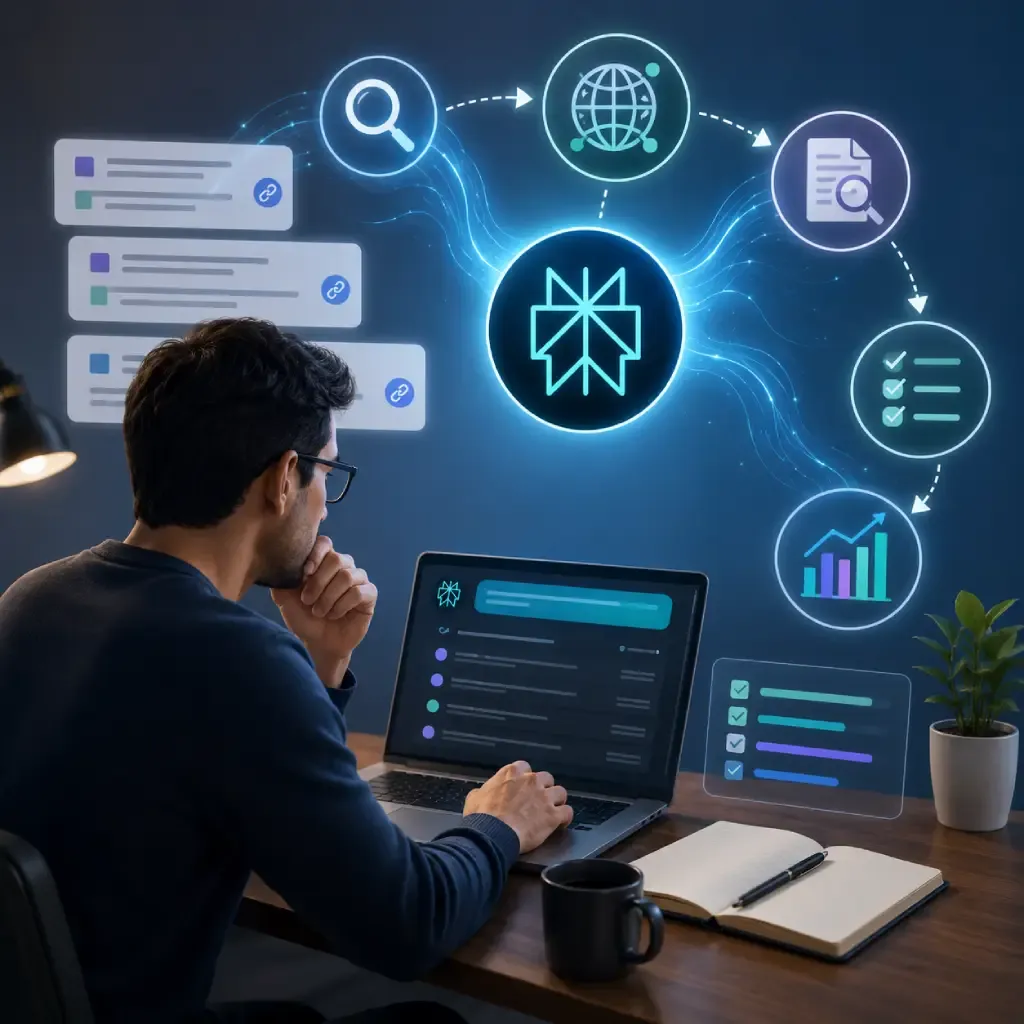
Start With the Core Cost Drivers
Your first Perplexity session should be educational, not vendor-specific. Before you evaluate any quote, you need to understand what actually moves the price needle in software development.
A strong opening prompt might be: “What are the main factors that determine the cost of building a custom web application in 2025?”
Perplexity will typically return a structured breakdown covering team location and rates, technology stack complexity, feature scope, UI/UX design requirements, integrations with third-party services, and ongoing maintenance costs. This gives you a mental model you can apply to every conversation that follows.
From there, drill deeper. Ask: “How does choosing a React frontend versus a simpler framework affect development cost and timeline?” Or: “What’s the typical cost difference between hiring a freelancer, a local agency, and an offshore development team for a $50,000 project scope?”
Each answer builds your vocabulary and your framework. You’re not trying to become a developer. You’re trying to become a more informed buyer, which is a much smaller and more achievable goal.
If you’re also exploring options for finding qualified partners, our guide on how to find the right AI development company walks through the vetting process in detail.
Use Perplexity to Decode Technical Jargon in Proposals
Development proposals are filled with terminology that sounds precise but often means very little to a non-technical reader. MVP, API integration, microservices architecture, CI/CD pipeline, these phrases carry real cost implications, but only if you understand what they are.
When you receive a proposal, copy the unfamiliar terms directly into Perplexity and ask plainly: “What does ‘microservices architecture’ mean, and when does it make sense for an early-stage startup versus a monolithic approach?”
You’ll get a clear explanation with real-world context. More importantly, you’ll learn whether a given technical choice is appropriate for your stage and budget, or whether it’s over-engineered for what you actually need right now.
This process also helps you ask better questions of your vendors. Instead of nodding along during calls, you can probe with specifics: “You’ve quoted for a microservices setup, but we’re pre-revenue with a small user base. Can you walk me through why that approach is right for us at this stage?” That’s a question that signals sophistication and protects your budget.
Benchmark Rates by Role, Region, and Seniority
One of the highest-value uses of Perplexity for non-technical founders is rate benchmarking. Development team costs vary enormously depending on where developers are based, their seniority level, and whether you’re hiring full-time, contract, or through an agency.
Ask Perplexity questions like: “What is the average hourly rate for a senior backend developer in India versus the United States in 2025?” or “What does a typical three-person development team cost per month for a SaaS startup?”
The answers will give you reliable ranges backed by sourced data. When a vendor quotes you, you can immediately assess whether they’re in the expected range, above it, or suspiciously below it, which is sometimes a red flag for quality or hidden costs.
For founders considering global teams, our resource on offshore software development tips offers practical guidance on making that model work effectively.
Validate Whether Your Feature List Is Realistic for Your Budget
This is where Perplexity becomes especially valuable before you’ve even started talking to vendors. You can use it to pressure-test your own assumptions about what your budget will actually build.
Try prompts like: “How long does it typically take to build a route planner app with real-time GPS tracking, user accounts, and a mobile-responsive interface?” or “What features can realistically be built in a custom SaaS product with a $40,000 development budget?”
Perplexity will synthesize realistic timelines and scope estimates that help you calibrate expectations before vendor conversations, not after you’ve already committed to a direction. If you’re building something in the navigation or logistics space, our route planner app development guide is worth reading alongside your Perplexity research.
You can also use this approach to explore whether existing no-code or low-code tools might solve your problem faster. Ask: “Can a route planning feature be built with no-code tools like Bubble or AppGyver, and what are the limitations?” Sometimes the answer saves you significant time and money before you’ve written a single brief.
Cross-Reference Quotes and Build Your Comparison Framework
Once you have multiple quotes from vendors, Perplexity can help you build a structured comparison framework. You’re not just comparing total numbers; you’re comparing what’s included, what’s excluded, what assumptions each vendor is making, and what risks each approach carries.
Ask Perplexity: “What should be included in a software development proposal for a mobile app, and what hidden costs should I watch for?” Use the resulting checklist to audit each proposal you’ve received.
You can also research specific vendors or agencies by name if they’re established companies with online presence. Ask: “What are typical red flags in software development contracts for non-technical founders?” or “What questions should I ask a development agency before signing?”
For founders exploring custom internal tools rather than consumer-facing products, our guide on custom software tools for small businesses covers scope and cost considerations specific to that use case.
Prompting Best Practices: Getting the Most Out of Perplexity
Not all prompts are equal. The quality of your Perplexity research depends significantly on how you frame your questions. Here are the principles we’ve seen work consistently well for non-technical founders.
Be specific about your context. Instead of asking “how much does an app cost,” ask “how much does a B2B SaaS app with user authentication, a subscription billing system, and a basic analytics dashboard cost to build in 2025?” Specific questions get specific, actionable answers.
Ask for trade-offs, not just recommendations. The most useful prompts ask Perplexity to compare options rather than simply recommend one. “What are the trade-offs between building native iOS and Android apps versus a cross-platform solution using React Native?” will serve you far better than “should I build a native app?”
Follow up aggressively. Perplexity is designed for threaded conversations. Use follow-up questions to go deeper on anything unclear. If an answer mentions something unfamiliar, ask about it immediately rather than moving on.
Verify critical figures. Perplexity cites its sources, so click through on any data point you plan to use in a decision or conversation. Source quality matters, and it’s worth the extra thirty seconds.
What Perplexity Can’t Do (And What to Do Instead)
It’s important to be honest about the limits of this approach. Perplexity is a research and education tool, not a replacement for professional technical due diligence.
It cannot review an actual codebase for you, evaluate a specific vendor’s past work, or tell you whether a proposal’s timeline is realistic given that vendor’s specific team composition. For that, you’ll need either a technical co-founder, a fractional CTO, or a trusted technical advisor who can review specifics on your behalf.
What Perplexity does brilliantly is compress the learning curve. It can take you from genuinely lost to intelligently informed in a matter of hours. That informed state makes every subsequent conversation with developers, vendors, and investors more productive and more protected.
If you’re also curious about emerging development models that could affect your cost assumptions, our piece on the rise of instant apps is worth a read for additional context.
Frequently Asked Questions
Is Perplexity accurate enough to trust for financial decisions like development budgets?
Perplexity is a strong starting point for research and benchmarking, but it should inform your questions, not replace professional advice. Use it to build context and identify reasonable ranges, then validate significant decisions with a technical advisor or through direct vendor conversations.
What’s the best way to start using Perplexity if I’ve never used it before?
Start with a free account at perplexity.ai and begin with broad educational questions about your industry or use case. The interface is simple, and the value becomes apparent quickly. The Pro tier unlocks more advanced research capabilities, but the free version is genuinely useful for getting started.
Can Perplexity help me evaluate whether a developer’s quote is fair?
Yes, this is one of its strongest applications. Use it to benchmark hourly rates by role and region, understand typical project timelines, and identify what should be included in a proposal at a given price point. That context lets you evaluate quotes with genuine informed judgment.
How is Perplexity different from just using ChatGPT for this research?
The key difference is real-time web search with source citations. ChatGPT’s knowledge has a training cutoff and doesn’t cite sources inline. Perplexity retrieves current information and shows you exactly where each data point comes from, which matters significantly for anything involving rates, market standards, or recent industry trends.
Do I need a technical background to use Perplexity effectively for this purpose?
No, and that’s the point. Perplexity is designed to explain complex topics clearly. The key is asking questions in plain language and following up on anything unclear. The tool meets you where you are.
Conclusion: Knowledge Is Your Best Negotiating Asset
Software development is expensive, complex, and full of information asymmetry that tends to disadvantage the non-technical buyer. But that asymmetry isn’t fixed. It shrinks every time you ask a better question, understand a term you didn’t know before, or walk into a vendor call with a benchmark figure you can cite.
Perplexity gives non-technical founders a practical, accessible way to build that knowledge quickly. It’s not a replacement for technical expertise, but it’s an extraordinarily effective tool for closing the gap between where you are and where you need to be.
Start with one session this week. Pick the proposal sitting in your inbox or the development conversation you’ve been nervous to have. Spend an hour with Perplexity before it. You’ll be surprised how different that conversation feels.
