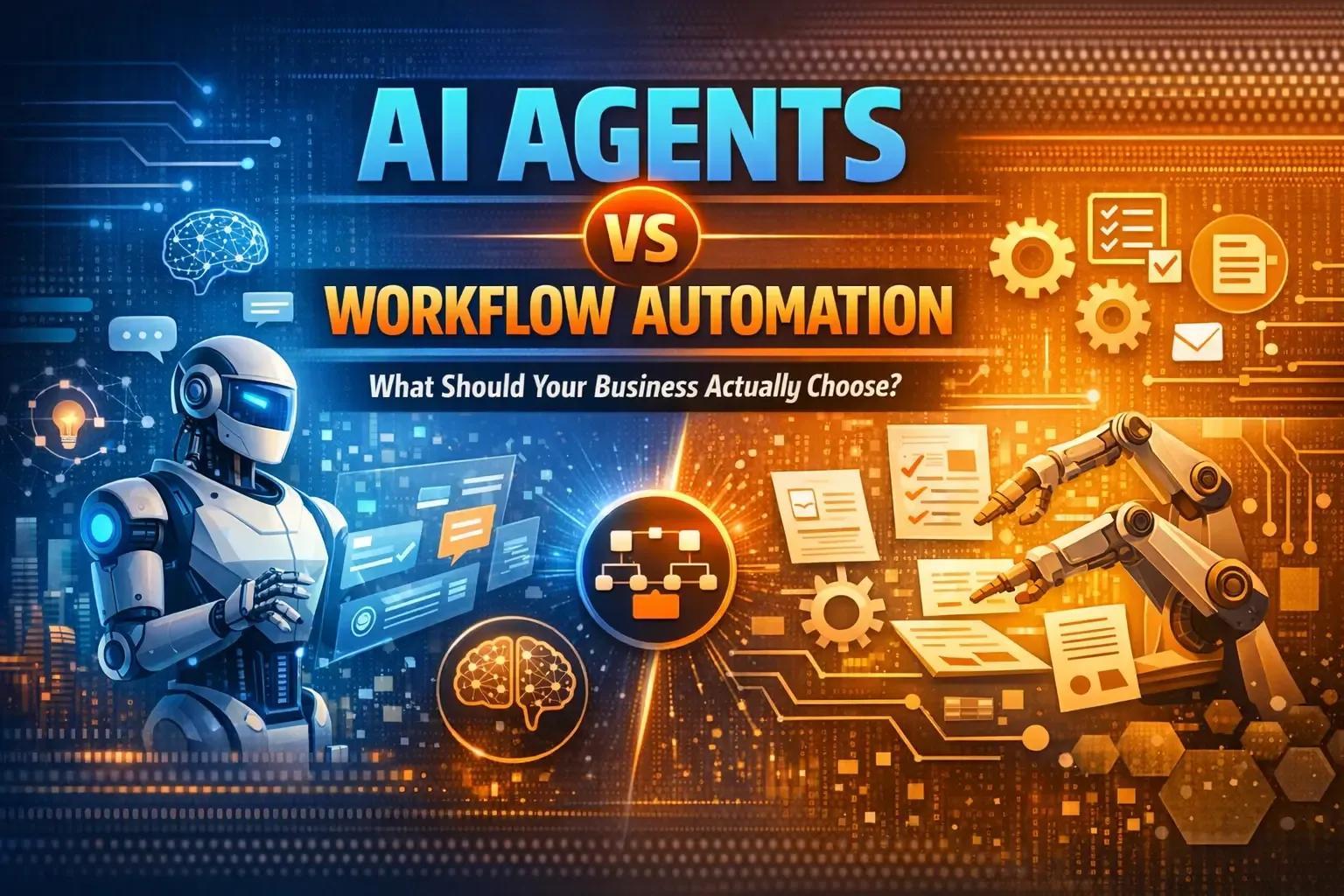
Businesses everywhere are trying to automate more work, reduce manual effort, and respond faster. But in 2026, the conversation has shifted. It is no longer just about automation. It is about choosing the right kind of automation.
That is where many teams get stuck.
Should you invest in workflow automation that follows fixed rules and predefined paths? Or should you build AI agents that can interpret context, make decisions, and take action with more flexibility?
The truth is simple: AI agents and workflow automation are not the same thing, and one is not automatically better than the other. The right choice depends on the kind of work you want to automate.
At Think To Share, this is how we frame it for clients:
- use workflow automation for structured, repetitive, high-volume tasks
- use AI agents for dynamic tasks involving judgment, language, ambiguity, or changing conditions
- use a hybrid model when you need both intelligence and reliability
That practical middle ground matches how major automation platforms are evolving today. IBM defines workflow automation as software-driven execution of all or part of a process, while IBM, UiPath, and Zapier describe AI agents as systems that can act more autonomously, use tools, and adapt to context. UiPath also explicitly positions “agentic workflows” as a hybrid approach.
What is workflow automation?
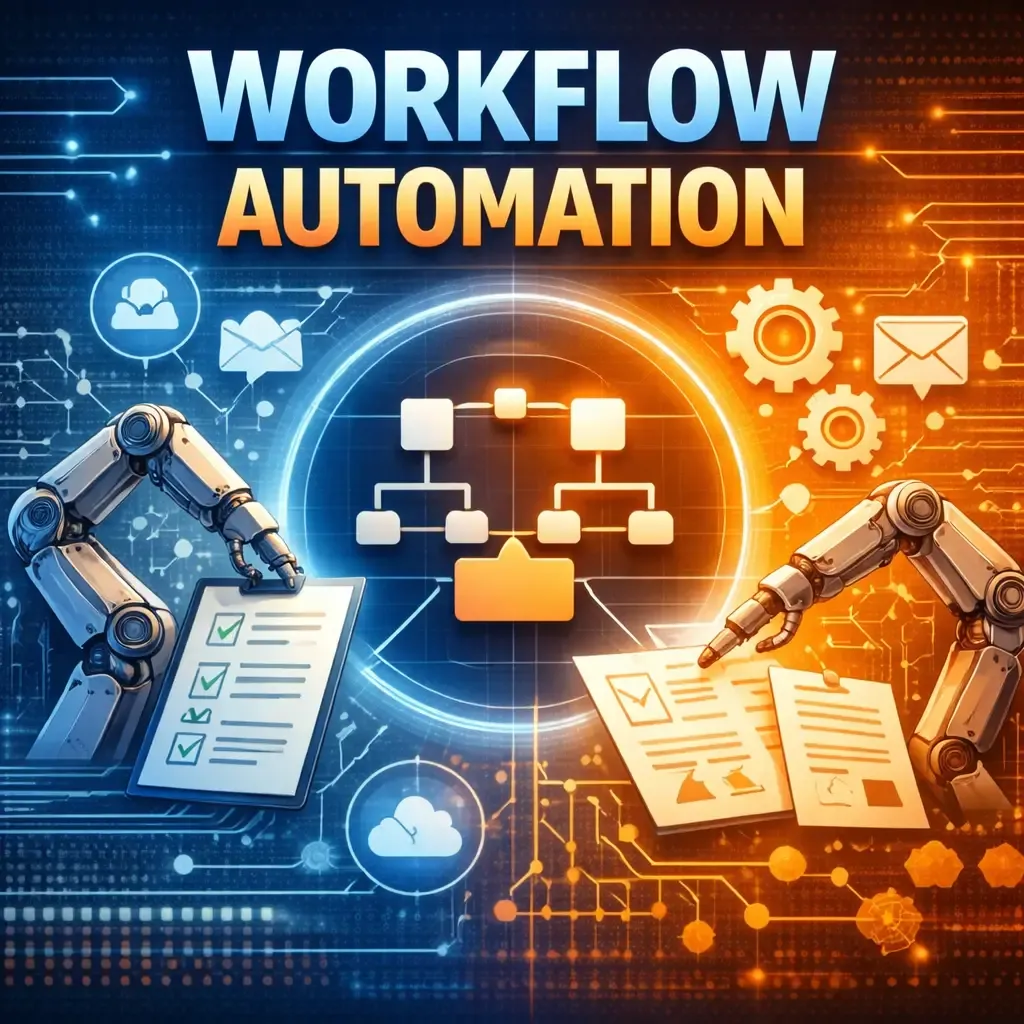
Workflow automation is the use of software to execute a predefined sequence of tasks based on rules, triggers, and logic.
For example:
- when a lead fills out a form, create a CRM record
- when an invoice arrives, route it for approval
- when a support ticket is tagged “urgent,” notify the right team
- when a payment succeeds, send confirmation and update the dashboard
This works best when the process is stable and the steps are predictable.
That is why workflow automation remains valuable. Platforms like IBM and Microsoft still describe it as a strong fit for streamlining repetitive business operations, reducing manual errors, and improving process visibility.
Workflow automation strengths
- Consistent execution
- Faster processing
- Lower manual workload
- Easier compliance and auditing
- Better for repetitive, rule-based tasks
Workflow automation limitations
- Struggles with messy or unstructured inputs
- Breaks when too many exceptions appear
- Needs predefined logic
- Does not “reason” through new situations on its own
What are AI agents?
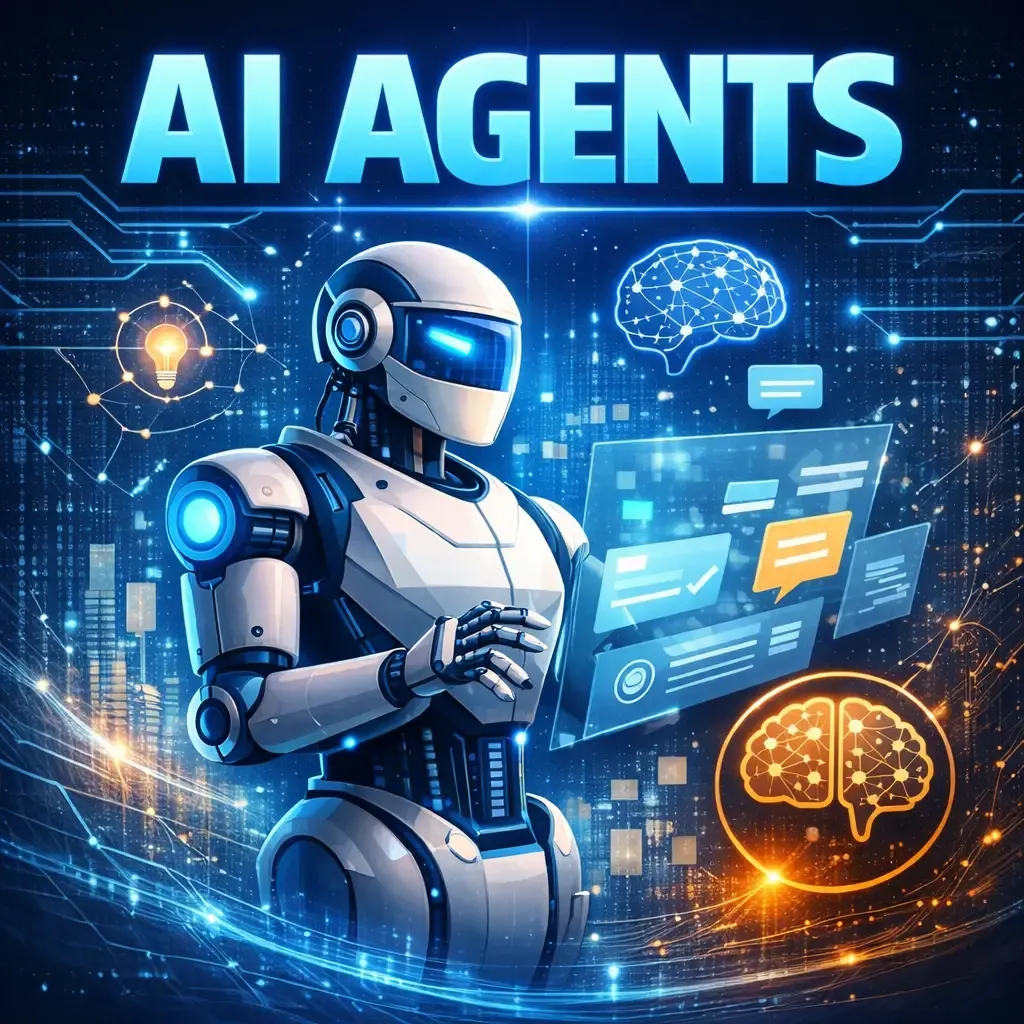
AI agents are systems that can pursue a goal with a degree of autonomy. Instead of following only a rigid step-by-step path, they can interpret inputs, decide what to do next, use tools, and sometimes revise their actions based on results.
That is the key difference.
A workflow executes your instructions.
An AI agent works toward your objective.
IBM describes AI agents as systems that can autonomously perform tasks and design workflows with available tools. Zapier similarly explains that agents act in an environment, make decisions, and take action, while newer enterprise automation messaging from UiPath and Automation Anywhere focuses on agents as the adaptive layer inside broader automation systems.
AI agent strengths
- Better with unstructured data like emails, documents, chats, and natural language
- Can handle variable paths instead of one rigid flow
- Useful when decisions depend on context
- Can coordinate tools, knowledge bases, and APIs
- Better suited for tasks where inputs change frequently
AI agent limitations
- Less predictable than strict workflows
- Needs guardrails, monitoring, and governance
- Can introduce risk if given too much autonomy
- Usually performs best when paired with orchestration and human oversight
AI Agents vs Workflow Automation: the core difference
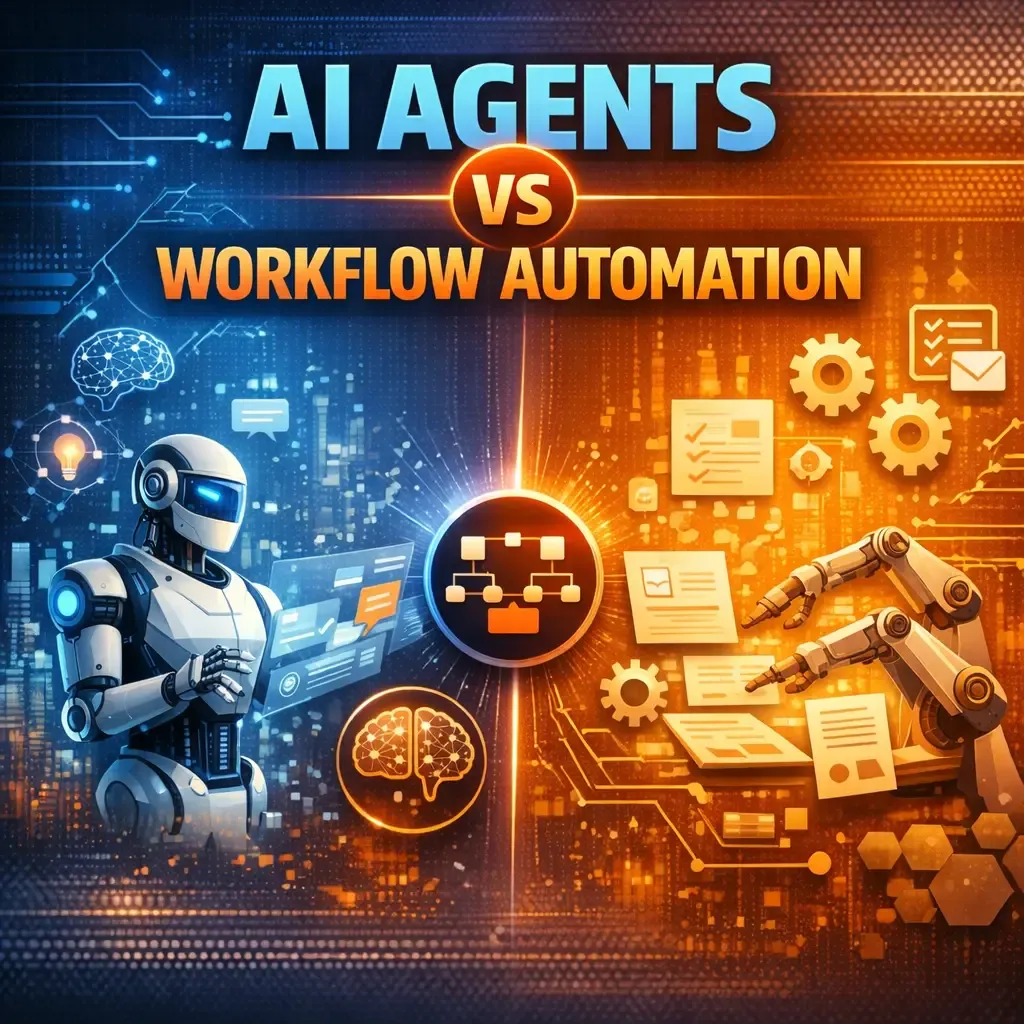
The easiest way to understand this is:
Workflow automation = predefined process execution
AI agents = goal-driven decision-making within a process
Workflow automation is ideal when the path is known in advance. AI agents become useful when the path depends on context, interpretation, or changing conditions.
Here is the practical distinction:
Choose workflow automation when:
- the task is repetitive
- the process rarely changes
- the rules are easy to define
- auditability is critical
- you want predictable outputs every time
Choose AI agents when:
- the input is unstructured
- the task requires reasoning
- the next step depends on context
- exceptions are common
- the process is too variable for rigid rules
This is also why many vendors are moving toward orchestration rather than presenting agents as a complete replacement for automation. UiPath and Automation Anywhere both describe the future as a coordinated environment where workflows, AI agents, systems, and humans work together.
A simple example: lead management
Let us take a common business use case.
Workflow automation version
A prospect fills out a contact form.
The system:
- captures the lead
- sends it to the CRM
- assigns it to sales
- triggers a follow-up email
- updates the pipeline stage
This is perfect for workflow automation because every step is predefined.
AI agent version
Now imagine the same lead flow, but with more complexity:
- the lead message is long and unstructured
- the system must identify intent
- it must qualify urgency
- it must check whether the lead matches your ICP
- it must suggest the best service
- it must draft a tailored response
- it may need to pull context from your website, CRM, or knowledge base
This is where an AI agent adds value.
In other words, workflow automation moves the lead through a set process.
An AI agent helps interpret the lead and decide the best next move.
Why many businesses should not start with AI agents first
This is where a lot of companies make the wrong decision.
They hear the term “AI agents” and assume that every automation problem needs an agent. But many businesses still have broken, manual, or inconsistent processes. If the process itself is unclear, adding an agent on top will not fix the foundation.
That lines up with enterprise guidance from UiPath, which argues that organizations often need process redesign, orchestration, and better workflow foundations before agentic systems can deliver reliable value at scale.
So before you ask, “Should we build an AI agent?” ask:
- Do we have a clear workflow already?
- Are our inputs structured or chaotic?
- Where do exceptions happen?
- What decisions are rule-based vs judgment-based?
- Where does human approval still matter?
For many teams, the best first step is still workflow automation. Then, once the flow is stable, you introduce AI where flexibility is actually needed.
The smartest approach: hybrid automation
The most practical answer for modern businesses is often not “AI agents or workflow automation.”
It is AI agents plus workflow automation.
This hybrid model is often called agentic workflow or agentic automation. The idea is straightforward:
- workflows handle the structured steps
- AI agents handle interpretation, judgment, and adaptive decisions
- humans stay involved where risk or approval matters
For example:
- an AI agent reads inbound support emails and classifies intent
- a workflow routes the ticket to the right team
- the AI agent drafts a response
- a human approves high-risk messages
- the workflow logs everything in the CRM and helpdesk
That combination gives you both speed and control. It also reflects how major automation platforms are now describing real-world enterprise architecture.
AI agents vs workflow automation by use case
1. Customer support
Use workflow automation for ticket routing, status updates, escalations, and notifications.
Use AI agents for intent detection, summarization, response drafting, and knowledge-based assistance.
2. Sales operations
Use workflow automation for lead capture, CRM syncing, meeting reminders, and follow-up sequences.
Use AI agents for lead qualification, account research, proposal drafting, and personalized outreach suggestions.
3. Finance and approvals
Use workflow automation for invoice routing, approvals, audit logging, and reminders.
Use AI agents for document understanding, anomaly spotting, and extracting insights from unstructured financial records.
4. HR and recruitment
Use workflow automation for interview scheduling, form processing, onboarding tasks, and policy acknowledgments.
Use AI agents for CV screening support, candidate communication drafting, and internal knowledge assistance.
5. Internal operations
Use workflow automation for recurring operational tasks across CRM, ERP, helpdesk, and dashboards.
Use AI agents when teams need to search knowledge, interpret requests, or take action across multiple systems.
What about governance, compliance, and risk?
This part matters more with AI agents than with traditional workflow automation.
A rigid workflow is easier to control because every step is predefined. AI agents, by design, can take more flexible actions. That is powerful, but it also means businesses need guardrails around:
- data access
- tool permissions
- approval thresholds
- monitoring
- fallback logic
- human review
NIST’s AI Risk Management Framework exists precisely because AI systems introduce organizational, operational, and societal risks that need active governance. That becomes even more relevant when AI is allowed to act with greater autonomy.
So the goal should not be “maximum autonomy.”
The goal should be appropriate autonomy.
How to decide what your business needs
A simple decision framework:
Use workflow automation if your process is:
- repetitive
- stable
- rules-based
- high-volume
- low-ambiguity
Use AI agents if your process is:
- language-heavy
- context-sensitive
- exception-prone
- unstructured
- decision-dependent
Use a hybrid model if your process includes:
- structured execution plus unstructured inputs
- automation plus approvals
- repetitive tasks plus exception handling
- systems integration plus intelligence
What Think To Share recommends
For most growing businesses, the best path looks like this:
Step 1: Map the workflow
Identify what is repetitive, what is manual, and where the bottlenecks happen.
Step 2: Automate the fixed steps
Build workflow automation for the predictable parts first.
Step 3: Add AI where it creates real leverage
Use AI agents for classification, summarization, research, drafting, or decision support.
Step 4: Add guardrails
Define what AI can access, what it can do, and where human review is required.
Step 5: Scale gradually
Start with one use case, measure outcomes, and expand based on real results.
This approach fits how Think To Share already talks about AI automation, AI agents, and custom business software through its service pages, case studies, and recent n8n implementation content.
If your business runs on repetitive, clearly defined steps, workflow automation is usually the fastest win.
If your teams deal with ambiguity, unstructured data, and decisions that change from case to case, AI agents can unlock more value.
But for most companies, the strongest answer is not choosing one side. It is building a system where workflows provide structure and AI agents provide intelligence.
That is how modern automation becomes practical, scalable, and useful.
If you want to move beyond disconnected tools and build a solution that fits your operations, Think To Share can help you design the right mix of AI agents, workflow automation, integrations, dashboards, and custom business systems for your actual workflow.
